Windows 10: Innovating Today and Tomorrow | Microsoft
Microsoft
Conductor of the Era, Shun Kawakami, Points Out
What Windows 10 Made Possible (1)
People who like coffee often like design, and their shops are usually stylish. That's the biggest thing. LONDON and NEW YORK are great, but MELBOURNE is especially good. There are so many people with great taste.—
This is a coffee stand run by Shun Kawakami, which opened in May 2016. It's not uncommon to see Kawakami himself waiting on customers while operating his PC. We asked Kawakami to tell us again about the appeal of Windows 10, which he uses daily.
Photographs by SUZUKI TakuyaText by TSUCHIDA Takashi (OPENERS)
The New Wave of Web Design Driven by Windows OS
We navigated the hustle and bustle of Takeshita Street in Harajuku, crossed Meiji Dori, and entered the backstreets of Harajuku. There, we found a quiet space exuding an adult atmosphere. "artless craft tea & coffee," Shun Kawakami's office and coffee stand, aims to fuse Japanese aesthetics with contemporary trends and the third wave coffee movement.
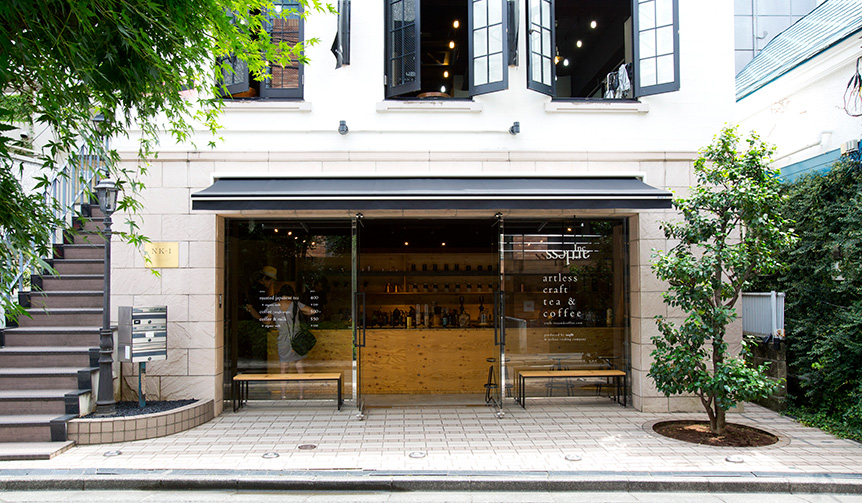
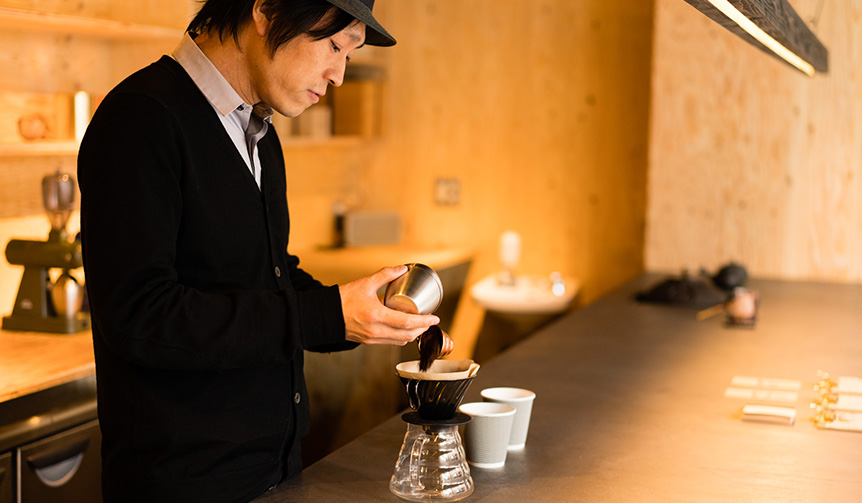
"artless craft tea & coffee" partners with Maruyama Coffee to serve single-origin coffees with a story, hand-dripped one cup at a time upon order.
"They say, 'Oh, he's really here.' I sometimes stand at the counter and brew coffee for customers."
I love coffee myself and enjoyed visiting coffee stands overseas. When I was looking for a second office space, I happened upon a property that could be used as a commercial space. So, I decided to go ahead with the project to also include a coffee and tea stand.
Overseas, there are an increasing number of entrepreneurs in the coffee industry. And some are achieving great success. The coffee business is trending," says Kawakami.
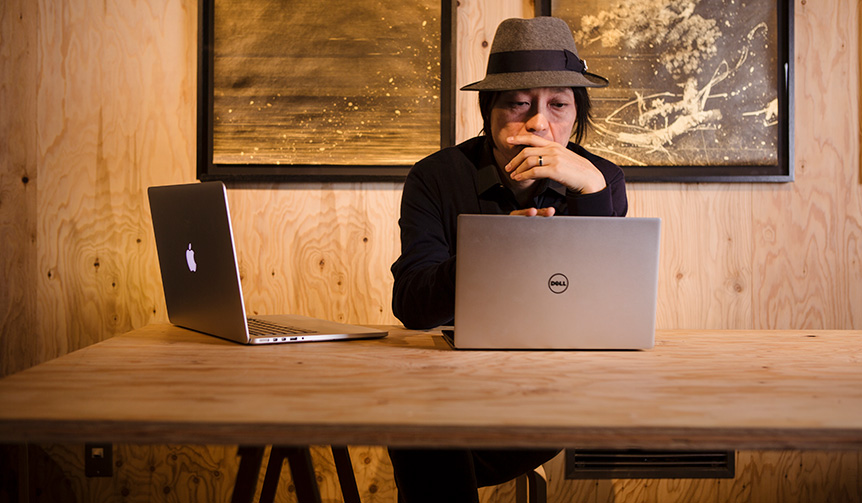
Checking the results of projects handled by the team in a bilingual environment is part of Kawakami's daily routine. It's only natural for designers to use Windows.
Kawakami uses Windows for his daily work. He uses a Mac in the office and also uses a Windows device and an iPad Pro as mobile devices.
Statistics show an overwhelming number of Windows users, but when it comes to web design, I value expressing creative work with the same quality across all operating systems. Whether it's a smart pad or a smartphone, as long as you're involved in this work, you need bilingual design skills that transcend devices," says Kawakami.
Although Windows was necessary for his work, Kawakami noticed something. Windows is adopting the trend of smartphones and smart pads into PCs more quickly. While Mac interfaces are limited to mice and trackpads, Windows allows direct touch operation of sites on the screen. Web design has also evolved accordingly, and most elements are now sized to be pressed with a finger.
From the tip of the cursor to the index finger. Scrolling up, down, left, and right has been reborn as intuitive gestures, like turning the pages of a book. I think Windows deserves great credit for driving this forward," says Kawakami.
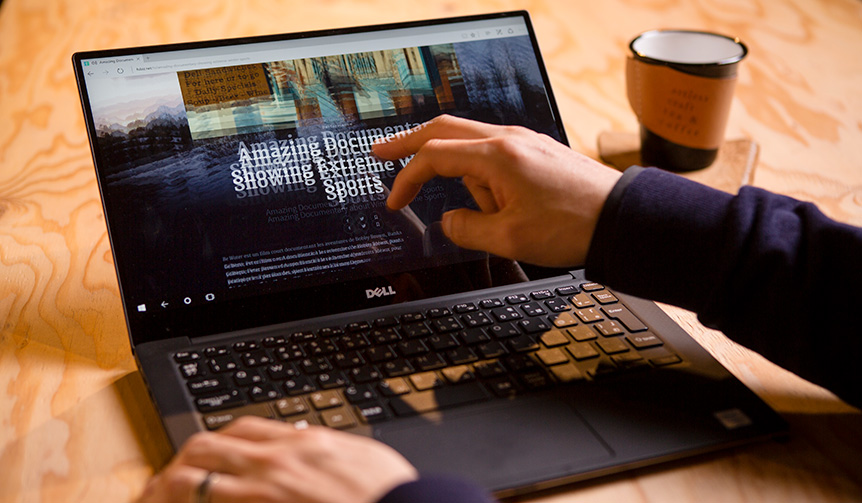
"With a mouse, there's still a slight sense of distance in the interface," says Kawakami. When you touch a site with your finger, you don't have to think whether you want to fast-forward or move slowly. This allows you to concentrate on your work.
Page02.Windows Interface is Becoming More Beautiful
Microsoft
Conductor of the Era, Shun Kawakami, Points Out
What Windows 10 Made Possible (2)
Windows Interface is Becoming More Beautiful
Although Windows was necessary for his work, Kawakami noticed something. Windows is adopting the trend of smartphones and smart pads into PCs more quickly. While Mac interfaces are limited to mice and trackpads, Windows allows direct touch operation of sites on the screen. Web design has also evolved accordingly, and most elements are now sized to be pressed with a finger.
From the tip of the cursor to the index finger. Scrolling up, down, left, and right has been reborn as intuitive gestures, like turning the pages of a book. I think Windows deserves great credit for driving this forward," says Kawakami.
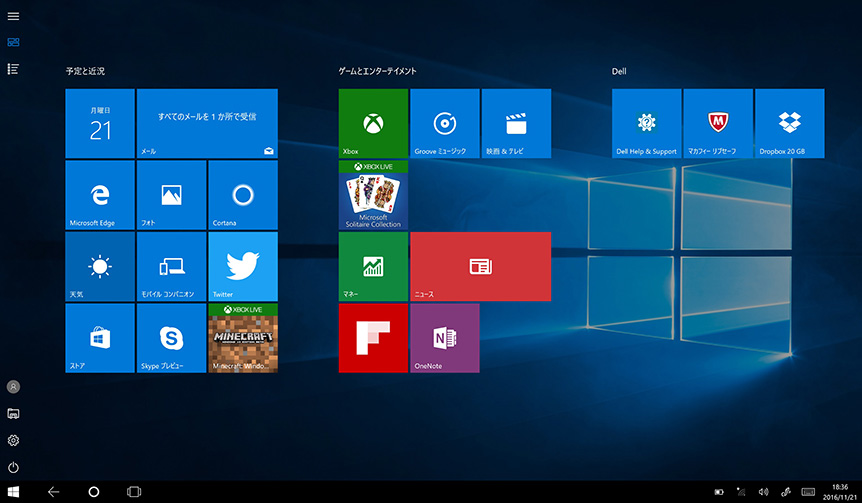
The start screen of Windows 10 Tablet Mode. Each tab is clickable and easily customizable with drag and drop.
Kawakami highly praises the beauty of Windows 10's GUI (Graphical User Interface), but the "built-in news app" is particularly noteworthy. Kawakami frequently uses this news site. Headlines and graphics are paired, creating a strong visual impact.
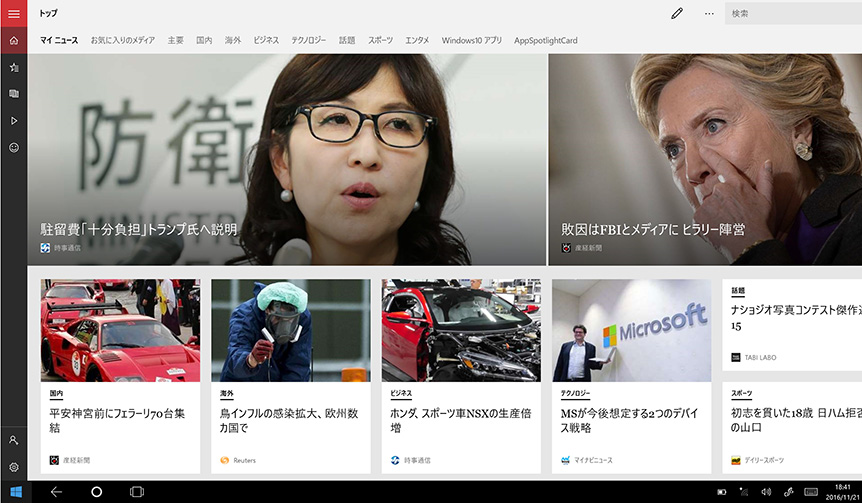
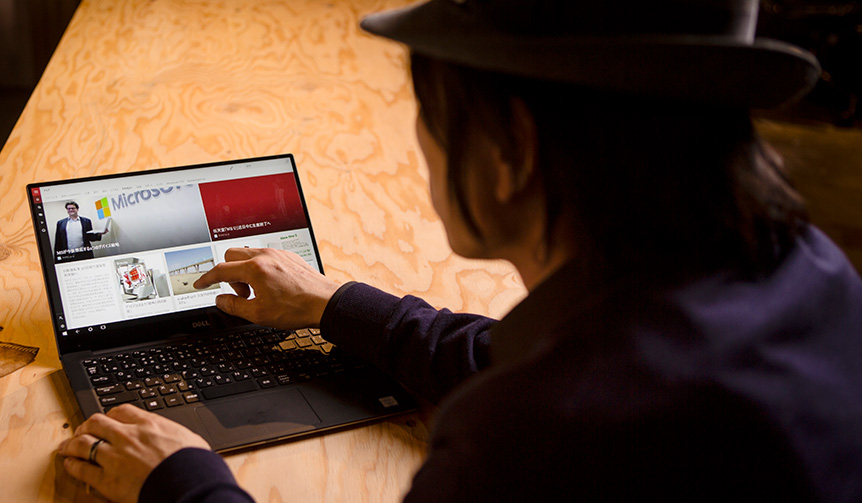
He checks the latest news during work breaks. "It's much easier to read than other news sites," says Kawakami.
The way news is presented has likely changed as well. As media evolves from newspapers and TV to the internet, visual imagery is becoming an increasingly important element. This includes video, of course.
All news images are clickable, and touching them jumps you to the next level. The feeling of smoothly reaching the information you're interested in is so compelling it makes you want to coin the term "news surfing." The operation is also smooth and satisfying.
Web design, which assumes mouse operation, wouldn't have been like this. There would probably have been small buttons next to the photos. Moving the cursor to click them is by no means smooth. Touching the photo itself is a more "primitive act" and "impulsive," driven by "wherever interest leads."
Perhaps the Windows news site is similar to reading a newspaper. The ability to touch and get closer to items of interest is wonderful. I hope this service will continue to be updated thoroughly," says Kawakami.
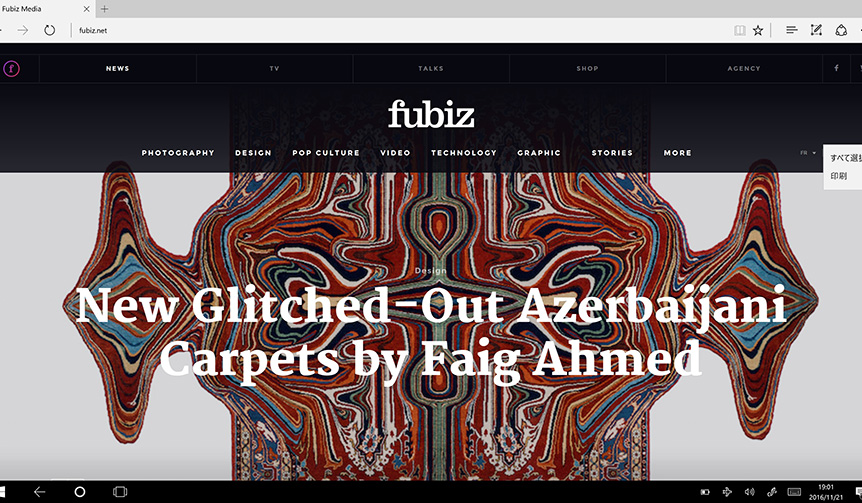
Fubiz (http://www.fubiz.net) is a French curation media outlet specializing in photography and art information.
On the other hand, there are sites that are quick to adopt these design trends. One example is the web magazine "Fubiz" (http://www.fubiz.net
). "I get the impression that this site is very fast as a medium. Sometimes the logo moves, which is cute. The feeling of navigating vertically and horizontally is also very modern. I wonder if Japanese media will benchmark this GUI in the future," says Kawakami.
Furthermore, Kawakami favors using the pen tool. Instead of printing out instructions, he writes directly on captured screenshots and sends them to the person in charge via email. This pen tool is a standard feature in the latest Windows 10.
Touching with a finger and a pen feel very similar, and it's said to stimulate the brain. Once you start using a pen, typing and mouse operations honestly become a hassle.
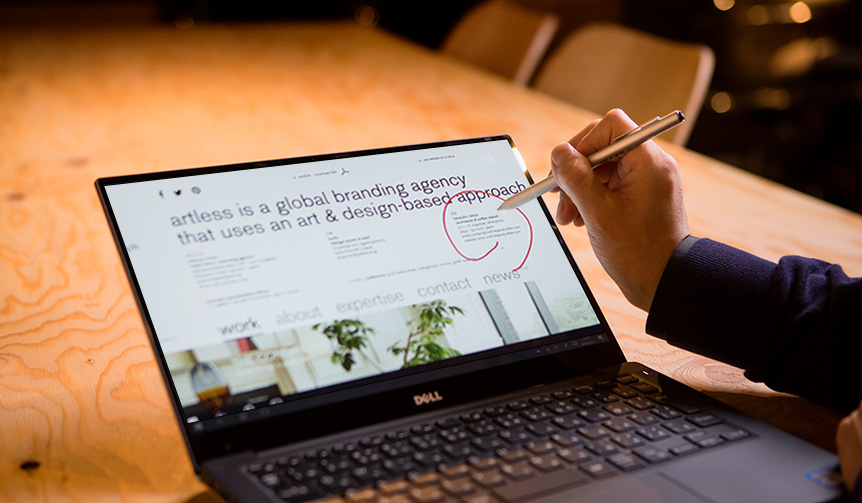
It writes as quickly as handwriting, so once you use it, you can't let go.
A pen can directly point to the intended location, but with a mouse, there's a time lag due to dragging. That slight lag can sometimes halt inspiration. The interface can't keep up with the speed of flashes of insight," says Kawakami.
Thinking about it, it's true that things have reversed recently. Windows offers pen tools on many models, including the Surface, but Mac only announced the Apple Pencil after the release of the iPad Pro. However, it's still not supported on Mac devices themselves.
Since a pen is a tool humans have used for ages, we should be able to utilize it more even with digital devices. I want to see further possibilities explored, including the writing feel on the screen," says Kawakami.
Page03.Microsoft Innovation Day Report
Microsoft
Conductor of the Era, Shun Kawakami, Points Out
What Windows 10 Made Possible (3)
Microsoft Innovation Day Report
From here, we will deliver the content of the domestic event "Microsoft Innovation Day" held on November 10, 2016 (Thursday). Appearing at the opening wasMicrosoft Japan Co., Ltd.Representative Directorand President Takuya Hirano.
Hirano reconfirmed that the next major update for Windows 10 devices, which are in operation on over 400 million units worldwide, will be provided free of charge in the first half of 2017. He mentioned that with this update, everyone will be able to use 3D graphics and next reality.
At the event, Microsoft reiterated the benefits of Windows 10. The key selling points can be summarized as follows:
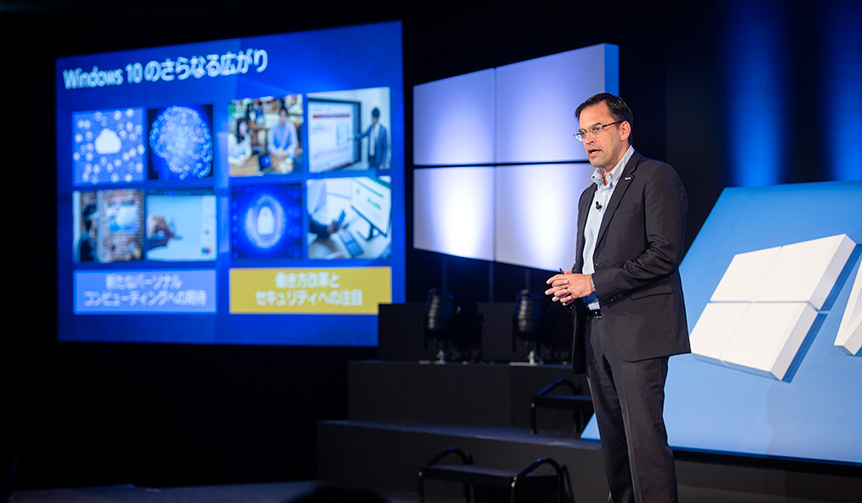
"Microsoft's mission is to empower every person and every organization on the planet to achieve more," said Hirano.
1. Wide Variety of Devices
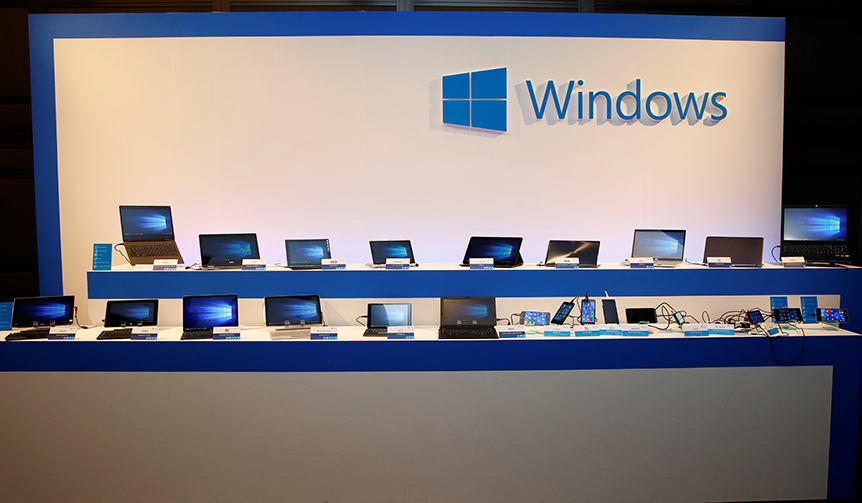
Windows devices come in various types, including laptops, convertible PCs, and tablet PCs. You can choose a device according to your needs and scene. Furthermore, a unified operating method that maintains consistent usability is also an advantage. At the event, nine winter 2016 models from various device partners were introduced. Details can be found on the "My Hero PC Recommended This Winter" page.
2. Direct Touch Operation on the LCD Screen
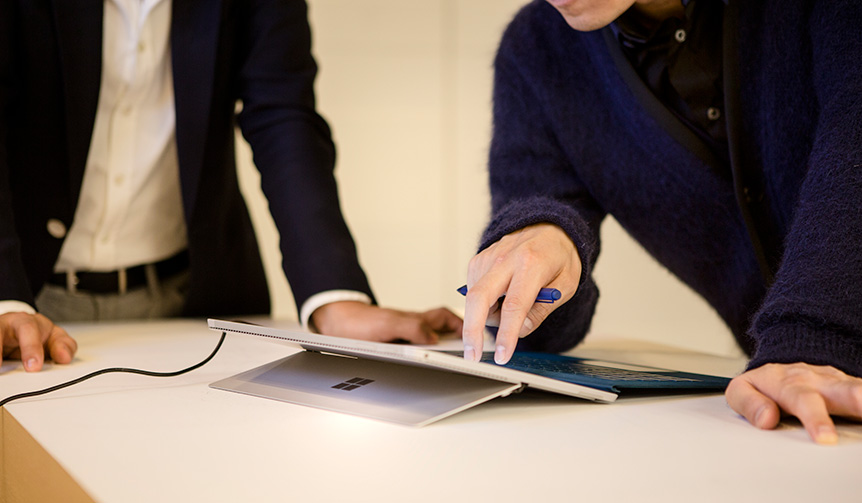
As Kawakami argued on the previous page, the operability of LCD touch is high. Moreover, as web design is catching up, the trend is clearly in this direction. Incidentally, while Apple devices like the iPhone and iPad support touch operations, iMac and MacBook do not.
3. Transformable Devices
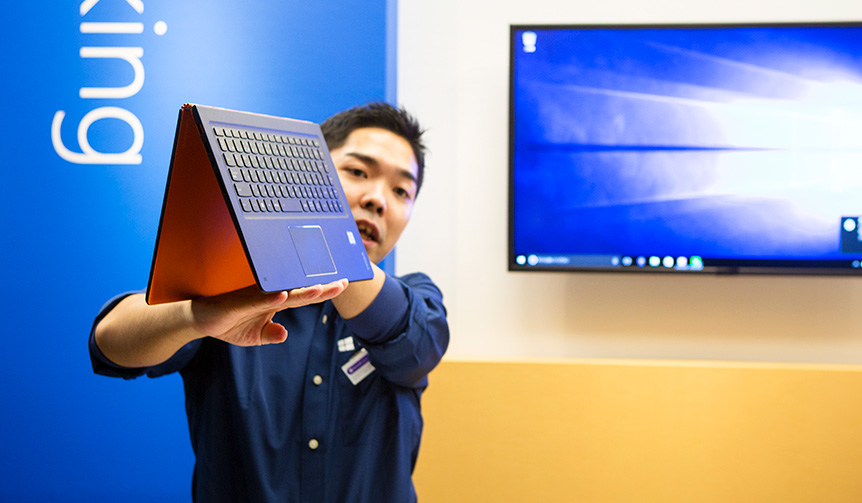
The LCD screen and keyboard are folded like a mountain. This is tent mode.
You can transform a laptop into tent mode. It can be placed in a space-saving manner, and some models allow the LCD screen to be detached and used like a tablet. The ability to use a single device for all purposes is a major appeal.
4. The Presence of the Digitizer Pen
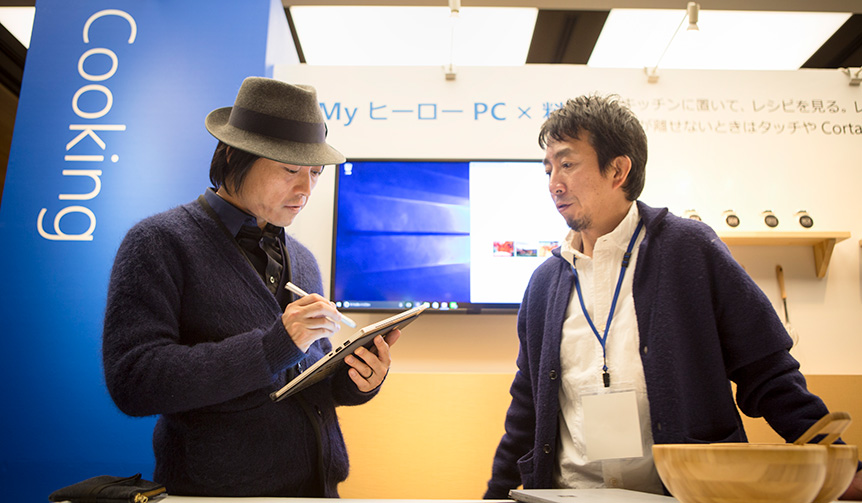
This is a recap of what Kawakami pointed out on the previous page, but the pen tool is a standard feature in Windows 10. Therefore, printing is not necessary when writing. You can smoothly write by hand on captured screens on all devices. It's also convenient for taking notes, and above all, it's great that it can be done on the screen.
5. AI Assistant "Cortana"
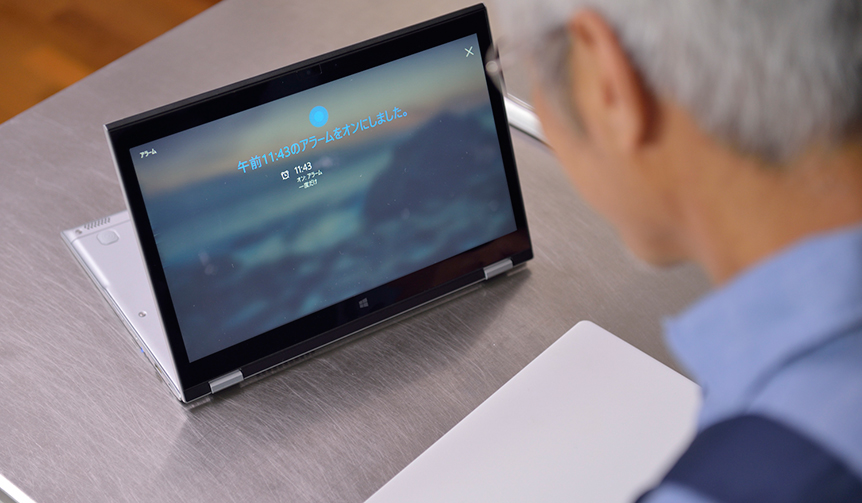
Similar to Apple's "Siri" and Google's "OK Google," Windows is equipped with an AI assistant called "Cortana." If you speak to it, the artificial intelligence will recognize your words and respond. In situations where speaking aloud is not possible, such as in an office during work, it can assist via text.
6. Biometric Authentication System "Hello"
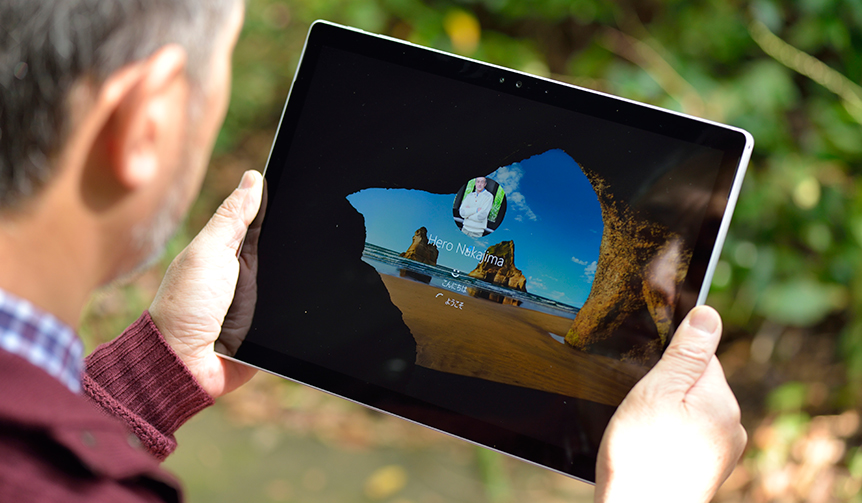
Windows 10's biometric authentication feature, "Windows Hello," supports two types of biometric information: face and fingerprint. Facial recognition is particularly noteworthy. This feature uses a 3D camera compatible with Hello to recognize and identify the user's face in three dimensions, so you just need to sit in front of the PC. Login is very smooth. Another feature is fingerprint authentication. Not only does it eliminate the need for tedious password entry, but it also prevents unauthorized logins through "impersonation."
7. Simultaneous Operation of Multiple Apps on One Screen
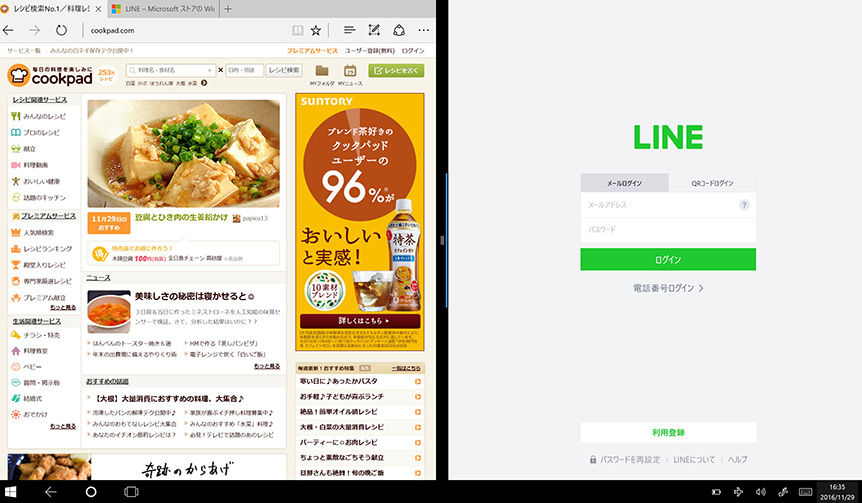
It's convenient to handle multiple functions on one screen. For example, in the kitchen, while referring to "Cookpad," you might simultaneously communicate with friends on "LINE." On a smartphone, the display area is small and difficult to see, and it's impossible to launch two apps simultaneously. With Windows 10, you can easily enter split-screen mode by simply dragging apps together (up to 4 screens are supported).
The above are the selling points of Windows 10 proposed at the event. Furthermore, scenes such as camera shooting, music production, and cooking were recreated as examples of actual usage, and presentations demonstrated how Windows 10 is useful in each scene. These unique Windows PC features can also be experienced in some physical stores.Microsoft at Life's newly established "My Hero PC" campaign siteprovides a thorough summary of the content.
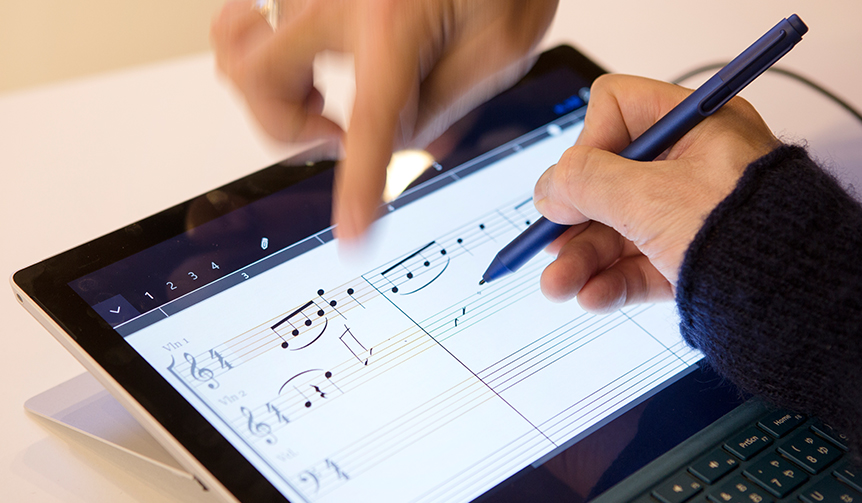
Kawakami also attended the Microsoft Innovation Day event, and his focused expression as he confronted the musical score in the music production corner was particularly memorable.
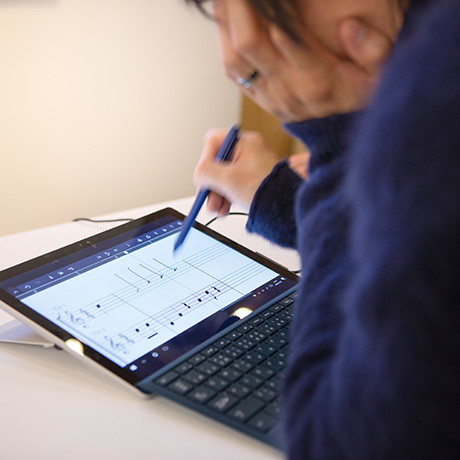
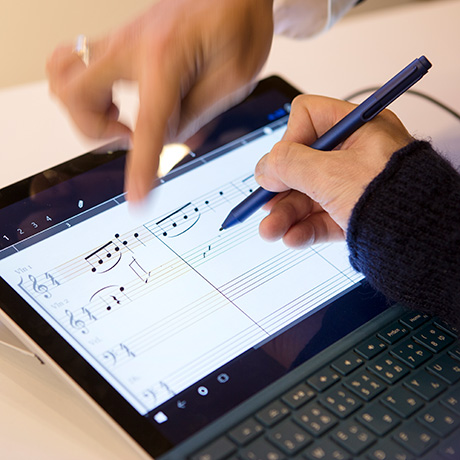
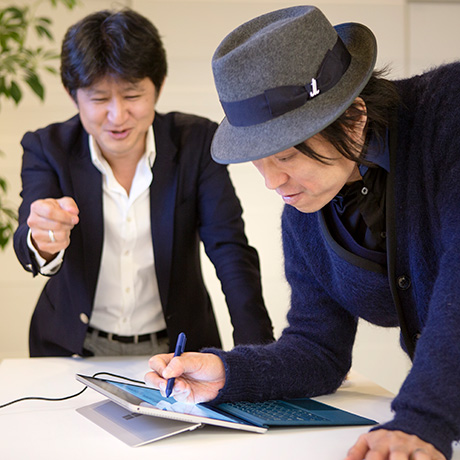
Kawakami is operating "StaffPad", a music creation software. The written scores can be played back, and corrections and repeat operations are easy. The fun of it is something you understand once you experience it.
I can't read sheet music, but with this, I'd like to try plotting notes. Sheet music is graphical and algorithmic. When you look at it again, it's interesting and cool.
It's also nice to listen to music while looking at the score. You can think, 'Ah, that's how the sound is made.' Since sight and hearing are linked, it's easier to remember," says Kawakami.
With the evolution of operating systems, the convenience of digital technology is increasing, and entertainment genres are seeing infinite expansion of possibilities. Technology is a tool in the hands of humanity. By using these tools, we can unleash our inventive talent and creativity.
We are fortunate to be born in this era. We should be more openly excited.
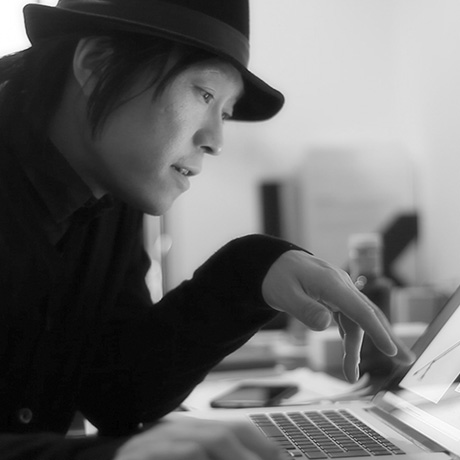
Shun Kawakami
Representative of artless Inc. Born in Tokyo. His activities span a wide range, including comprehensive visual strategies for corporate and brand logos and identities, advertising and campaigns, websites, visual expressions using the latest technologies such as APPS, UI, and video, exhibitions, products, and even architecture, interior design, signage, and spatial direction. He has established a unique form of expression that combines an artistic approach unbound by specific design methods.